How to Convert a PDF to ESX: 5 Steps for Xactimate



Quick answer: how do you convert a PDF to ESX?
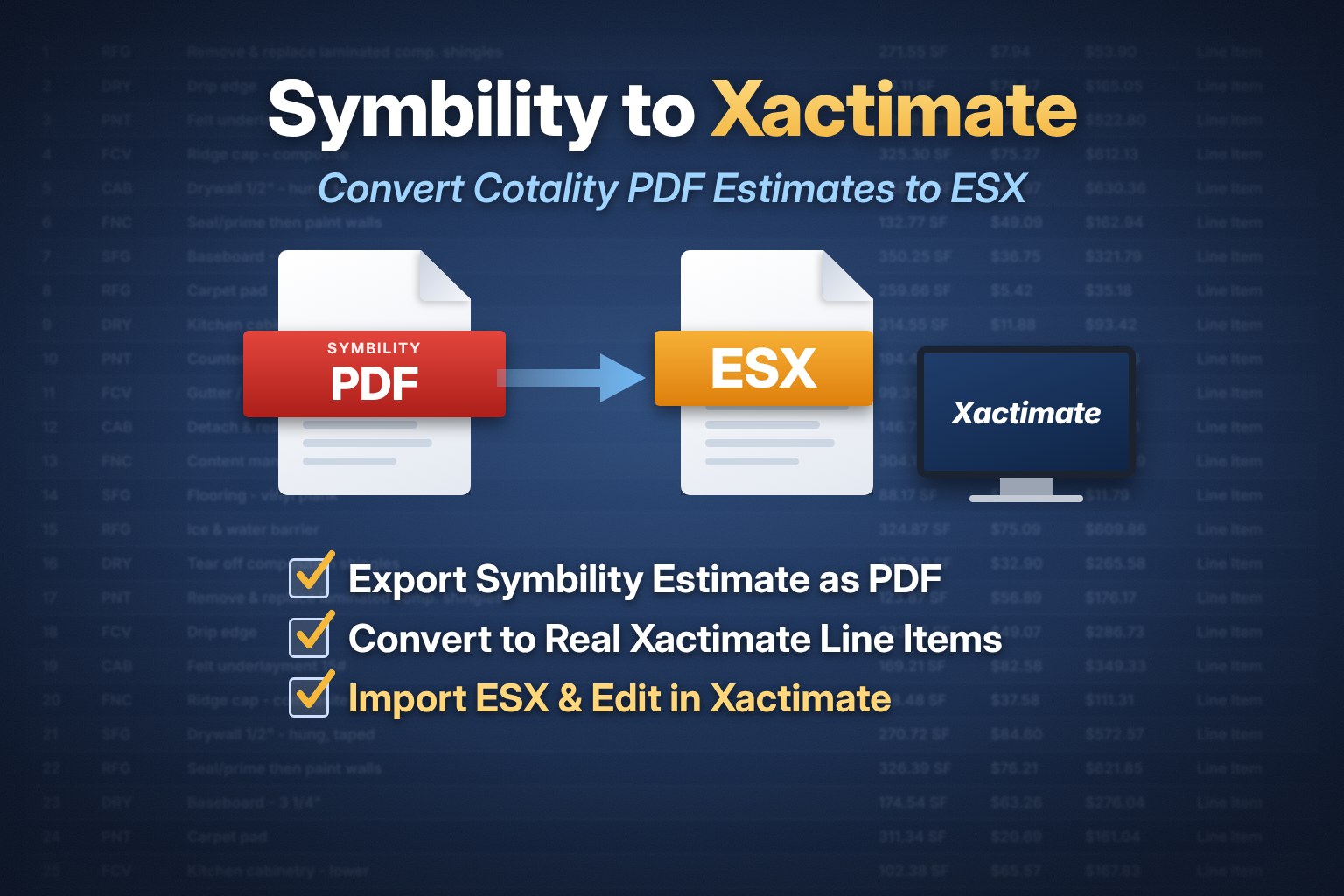
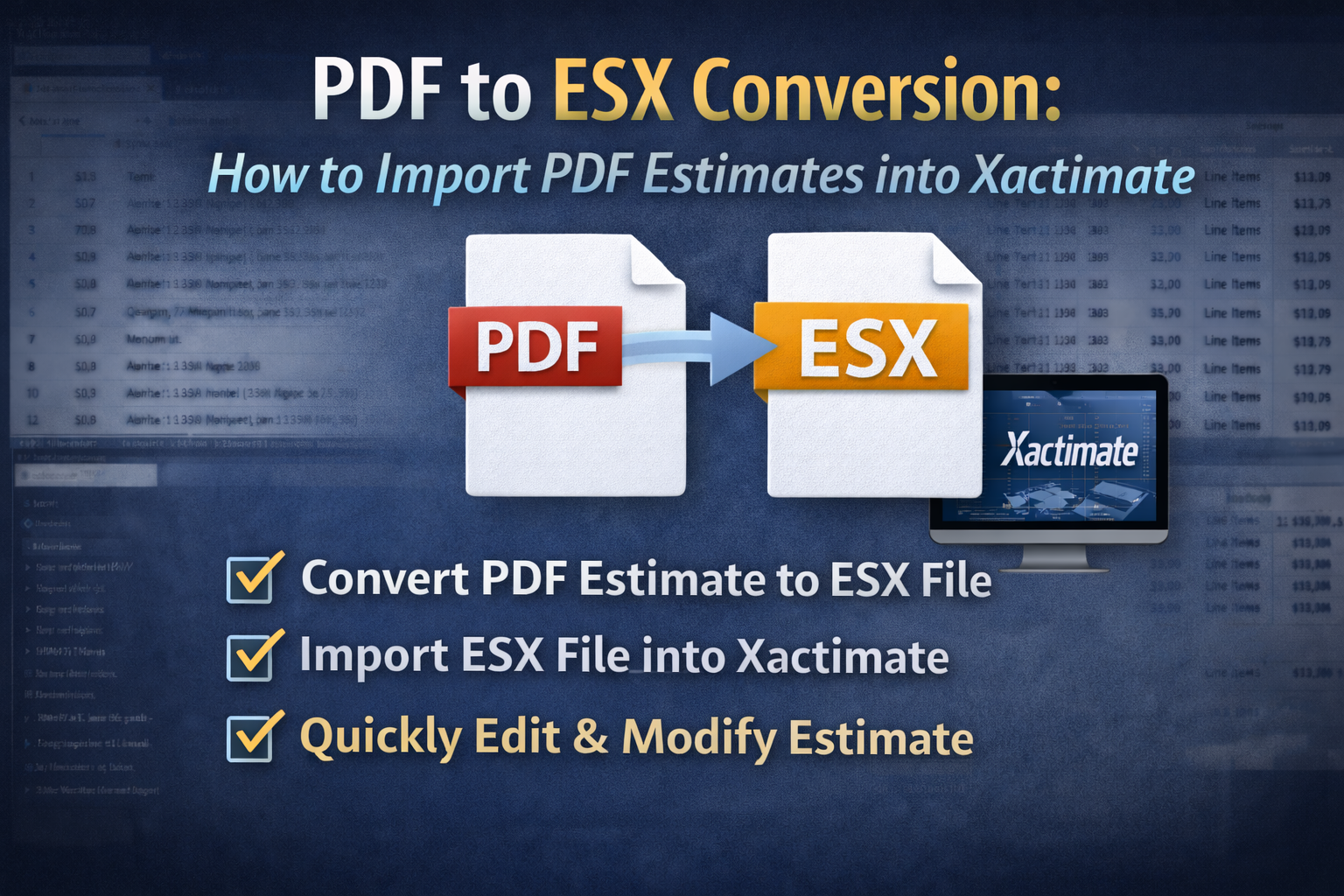
PDF to ESX conversion turns a static Xactimate or Cotality/Symbility PDF estimate into an editable ESX file you can import into Xactimate. Upload the PDF to a converter like EstimateHub, wait a few minutes, download the ESX, and import it. Line items, folders and F9 notes carry over. Your first conversion is free.
Adjusters send PDFs. Contractors and public adjusters need ESX files. That gap costs the industry thousands of hours of retyping every storm season. This guide covers how conversion works, what carries over, how Xactimate PDFs differ from Cotality/Symbility PDFs, and how the main PDF to ESX converters compare in 2026. Want to skip ahead? Go straight to the EstimateHub PDF to ESX converter.
What is PDF to ESX?
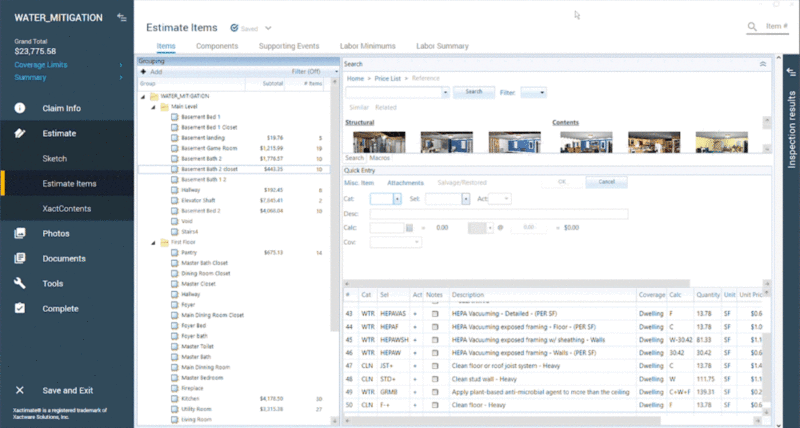
An ESX file is Xactimate's native project file. It holds the estimate as structured data: rooms and folders, line items with their selector codes, quantities, F9 notes, and the project's settings. Open it in Xactimate and you can reprice, edit, add items and print your own report.
A PDF estimate is a printout of that data. It looks the same on screen, but Xactimate can't read it. Every line has to be typed back in by hand.
A PDF to ESX converter reverses the printout. It reads the PDF, identifies each line item and its Xactimate code, rebuilds the folder structure, and packages it all into an ESX file Xactimate can import. The result is a working estimate, not a picture of one.
Why you get a PDF instead of an ESX
Carrier adjusters build most estimates in Xactimate or Cotality (formerly Symbility). The structured file already exists. But what reaches the contractor, public adjuster or appraiser is usually a PDF.
Common reasons:
- Carrier policy. Many carriers only release the printed report.
- Leverage. In reconciliation, one side may hold the ESX until the other agrees to a number.
- Delay. A requested ESX can take weeks, or never arrive.
- Platform mismatch. The adjuster wrote it in Cotality/Symbility, and you work in Xactimate.
The cost is real. Work that takes about an hour with the ESX can take 10 hours rebuilt by hand from a PDF. On a 500-line large-loss estimate, that's one to two days of an estimator's time before any actual scope review starts. Retyping also introduces errors: a wrong selector code, a missed quantity, a dropped F9 note.
How to convert a PDF to ESX in 5 steps
With EstimateHub, the whole process takes a few minutes of your time.
- Create a free account at estimatehub.com/sign-up. No credit card required.
- Upload the PDF from your dashboard. Choose an Xactimate PDF or a Cotality/Symbility PDF.
- Let it process. The converter extracts every line item, quantity, folder and F9 note, then matches each line to a valid Xactimate item code. Grab a coffee; it's usually ready when you're back.
- Download the ESX file from your dashboard. You also get an email when it's done.
- Import into Xactimate. Import the ESX, open the project, and apply your own price list. See our step-by-step guide: How to import an ESX file into Xactimate.
From there you can reprice, add missing scope, write your supplement, or reconcile line by line against your own estimate.
What carries over from the PDF to the ESX
A good PDF to ESX conversion keeps everything you need to keep working, and nothing you'd have to fix.
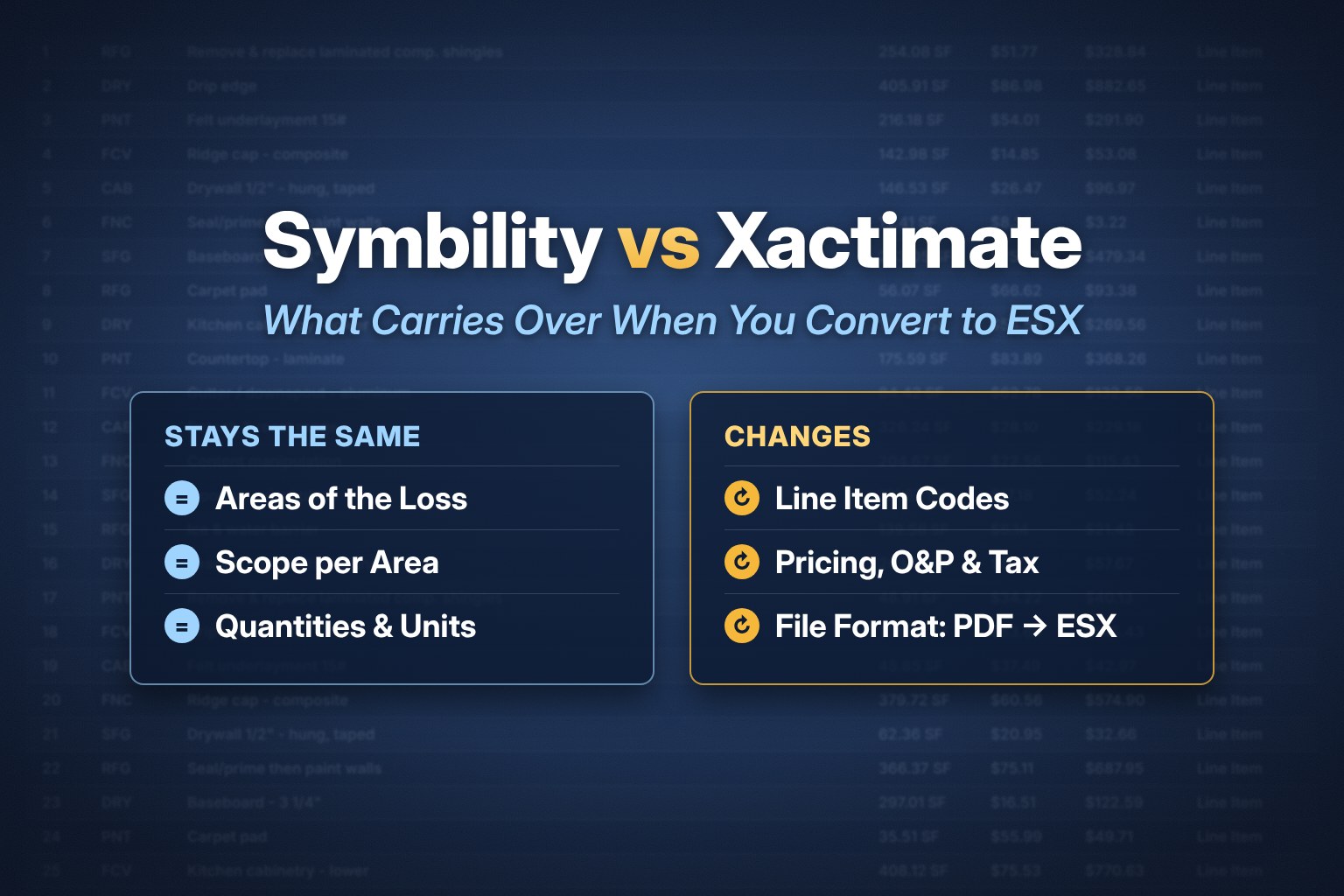
- Line items (selector codes): Yes. Matched to valid Xactimate codes, not placeholders.
- Quantities and units: Yes. SF, LF, EA, SQ and so on, as written.
- Folders, rooms and levels: Yes. The original structure is rebuilt.
- F9 notes: Yes. Kept on the line they belong to.
- Unit pricing: Repriced. Xactimate applies the price list you choose on import.
- Sketch: Optional add-on. EstimateHub's estimators can build an interior or roof sketch, returned within 24 hours.
The pricing point matters. Because the ESX carries the codes and quantities, Xactimate prices the estimate against your current price list for the loss location. That's usually what you want when you're writing a bid or supplement.
Xactimate PDF to ESX vs. Cotality/Symbility PDF to ESX
These are two different problems, and most converters only solve the first one.
Xactimate PDF to ESX is a reconstruction job. The PDF already contains Xactimate selector codes. The converter has to read them accurately, including from 400- or 500-line estimates with dense formatting, and rebuild the file.
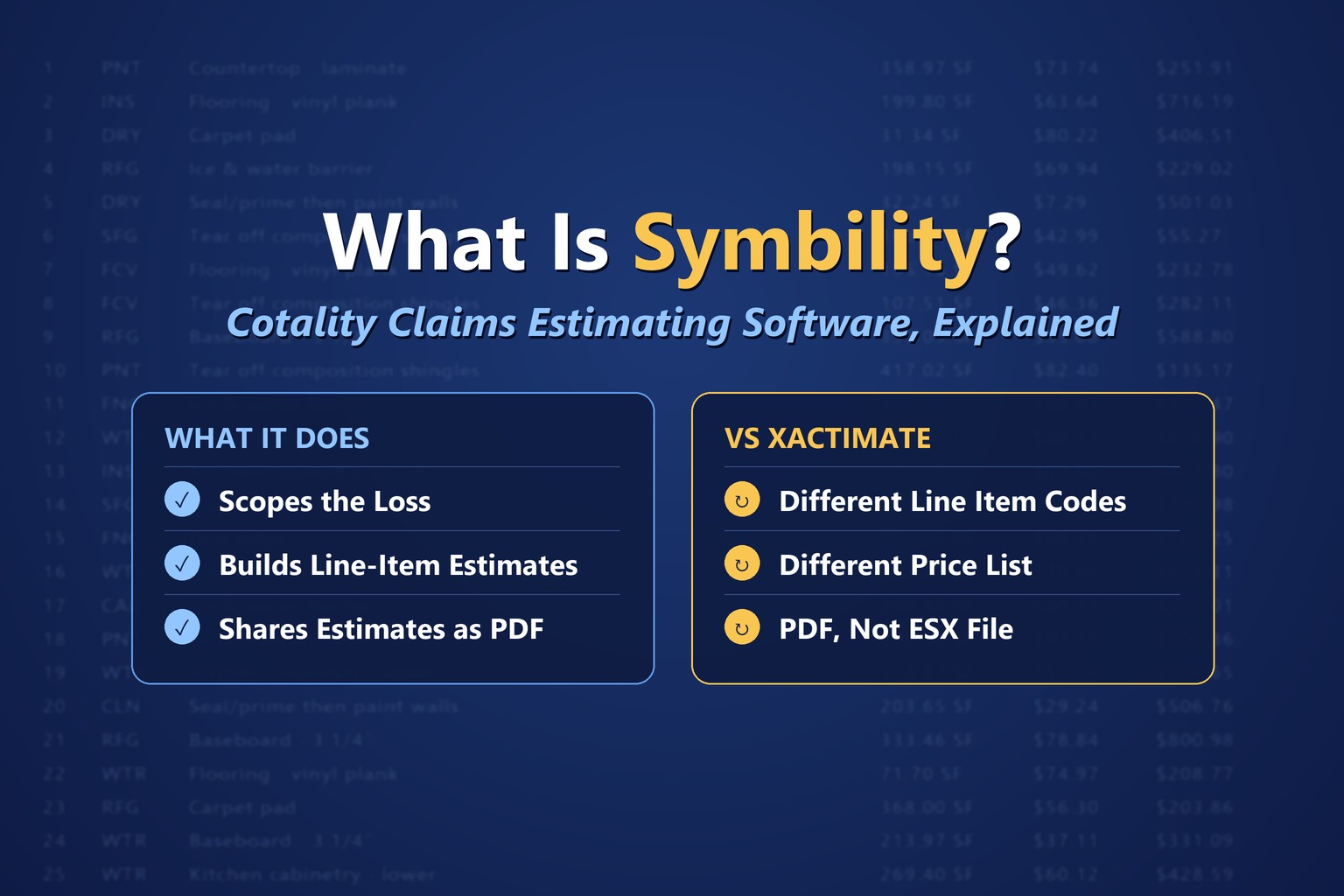
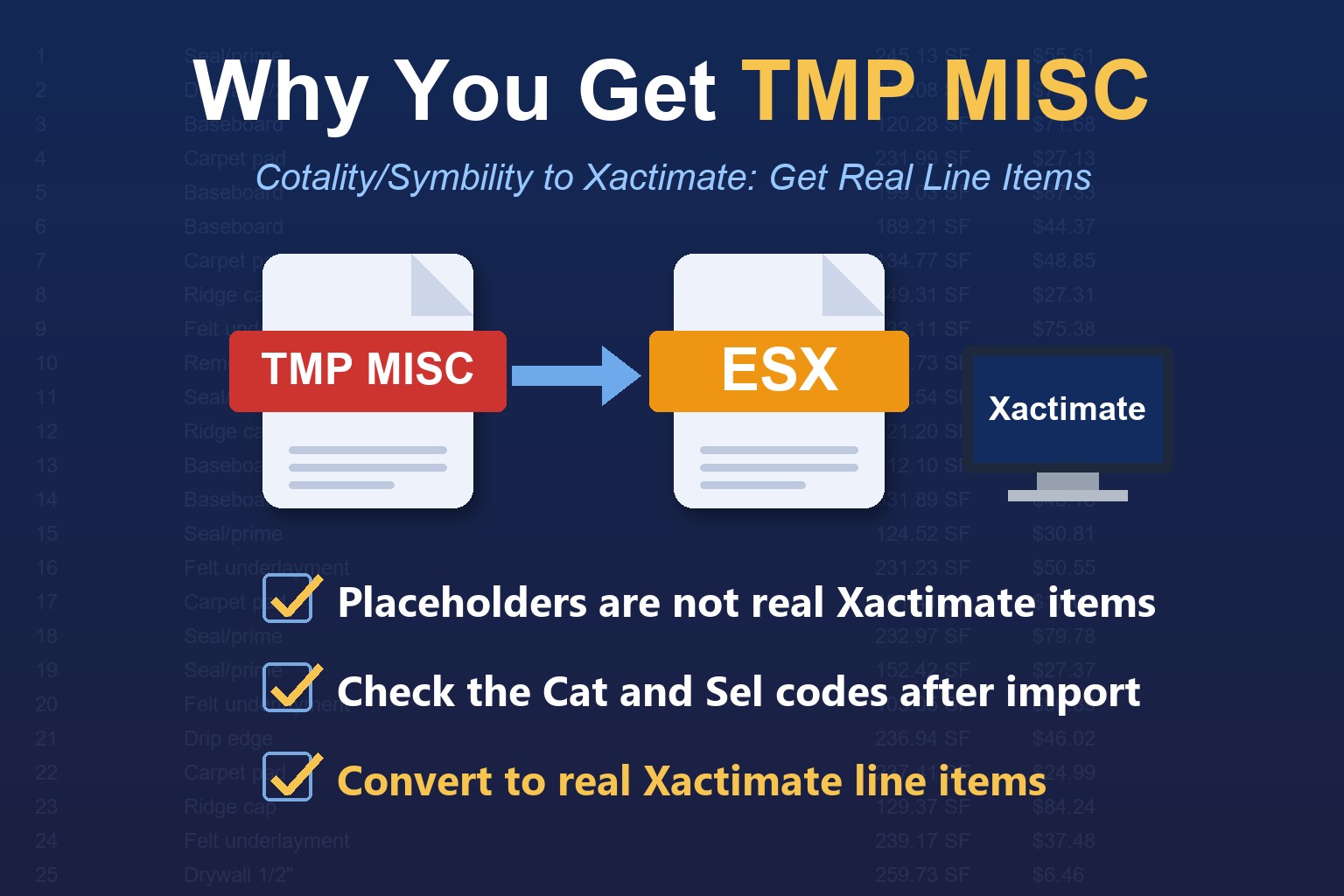
Cotality/Symbility PDF to ESX is a translation job. Cotality (formerly Symbility) uses its own line item catalog. Its codes don't exist in Xactimate. A converter has to map each Cotality line to the right Xactimate equivalent, or you end up with an ESX full of generic placeholder items you still have to fix by hand.
EstimateHub built a dedicated crosswalk for this, mapping Cotality/Symbility items to a database of roughly 15,900 Xactimate line items that's updated monthly as Xactimate adds new items. Every match is confidence-scored, so uncertain lines are flagged for review instead of guessed.
If the carrier wrote your claim in Cotality, start at the Cotality to ESX converter. If it's an Xactimate PDF, use the Xactimate PDF to ESX converter.
PDF to ESX converters compared (2026)
Several tools now convert PDFs to ESX. Here's how they position themselves, based on each company's own public descriptions as of October 2026.
- EstimateHub: Xactimate PDFs and Cotality/Symbility PDFs to ESX; line items, folders and F9 notes; optional sketch service; free ESX World template library. First conversion free, no credit card.
- ReadyAdjuster (PDFESX.com): Static Xactimate PDFs up to 400 line items, files up to 150MB, F9 notes, RSI key login. 2 free conversions.
- CapOut: Parses insurance PDFs into structured data; review scope and pick line items before preparing an ESX.
- ClaimsFlow: Rebuilds project trees, line items, quantities, pricing, depreciation and F9 notes from carrier PDFs.
- Antero Trail: Built by an estimator; verify every line before download. First conversion free.
How to choose a PDF to ESX converter
- Does it handle the PDFs you actually receive? If carriers send you Cotality/Symbility estimates, you need true Cotality-to-Xactimate item mapping, not just Xactimate PDF parsing.
- Line item limits. Large-loss estimates run 500+ lines. Check the cap and the overage cost.
- Real codes vs placeholders. Placeholder items save typing but not time; you still fix every line.
- F9 notes and folders. Without them, you lose the adjuster's reasoning and room structure.
- Pricing transparency. Per-file pricing with no subscription is easier to justify on occasional claims.
- A human behind it. For complex claims, it helps when the same company also writes Xactimate estimates.
For a deeper side-by-side, see our PDF to ESX converter comparison.
How much does PDF to ESX conversion cost?
At EstimateHub, a PDF to ESX conversion costs $20 to $40 per file, and your first one is free. Pay-as-you-go packs have no subscription; monthly plans lower the per-file price for busy teams.
- Free: $0 for 1 conversion (250 line items included, 25¢ per line over)
- 1 Pack: $40 for 1 conversion (250 line items, 25¢ per line over)
- 5 Pack: $175 for 5 conversions, $35 per file (250 line items, 25¢ per line over)
- Standard: $250/month for 10 conversions, $25 per file (300 line items, 25¢ per line over)
- Pro: $450/month for 20 conversions, $22.50 per file (400 line items, 20¢ per line over)
- Enterprise: $800/month for 40 conversions, $20 per file (500 line items, 15¢ per line over)
Compare that to rebuilding by hand. At 10 hours per large estimate, even a modest estimator rate puts manual entry in the hundreds of dollars per file. Full details: PDF to ESX pricing.
Who uses PDF to ESX conversion
- Restoration and mitigation contractors import the adjuster's estimate, then add missing scope instead of rebuilding it. One contractor cut turnaround from 7–10 business days to 2–3 days.
- Public adjusters send the converted ESX plus the carrier PDF to an estimator so work starts immediately. One PA cut estimate turnaround from about 2 weeks to 3–5 days.
- Large-loss adjusters get the contractor's ESX same-day instead of waiting weeks for it.
- Mitigation companies paste their own line items room by room into the converted ESX; duplicates skip and missing items get added.
- Appraisers and umpires compare both sides' estimates in the same platform during an appraisal, without retyping either estimate.
As an appraiser myself, the last one is personal. In an appraisal, you often get one estimate as an ESX and the other as a PDF. Converting the PDF puts both on equal footing in Xactimate, so the dispute is about scope and price, not data entry.
Tips for a clean PDF to ESX conversion
- Upload the original PDF. A PDF exported from Xactimate or Cotality converts more cleanly than a scan or phone photo of a printout.
- Send the full estimate. Include every page, including the summary and recap pages, so folder structure and totals can be checked.
- Pick the right converter. Xactimate PDFs and Cotality/Symbility PDFs go through different pipelines.
- Set your price list on import. Choose the price list for the loss location and date before reviewing totals.
- Review flagged lines first. Any line marked low-confidence is where your attention is worth the most.
- Need a sketch? Select "Need a Sketch?" in the dashboard, upload the sketch image, and get a sketch ESX back within 24 hours.
New to Xactimate? Our free Xactimate training and ESX World template library help you get more from every converted file. And for the full reconciliation workflow, read how contractors reconcile adjuster estimates in Xactimate.
Frequently Asked Questions
Can you convert a PDF to ESX for free?
Yes. EstimateHub converts your first PDF to ESX free, with no credit card and no trial period. It works for both Xactimate PDFs and Cotality/Symbility PDFs.
How long does PDF to ESX conversion take?
Minutes for most estimates. Larger files of 500+ lines take longer, but are typically ready the same day.
Can I convert a Symbility or Cotality PDF to ESX?
Yes. EstimateHub's Cotality to ESX converter maps Cotality/Symbility line items to real Xactimate line items, not placeholders.
Are F9 notes included in the ESX?
Yes. F9 notes, line items, quantities and folders all carry into the ESX file.
Is there a line item limit?
No hard cap. Each plan includes 250 to 500 line items per file, with a small per-line charge above that.
Does the ESX keep the adjuster's prices?
The ESX carries codes and quantities. Xactimate prices them using the price list you select on import.
Can I get a sketch with my ESX?
Yes, as an add-on. EstimateHub estimators build interior or roof sketches and return the sketch ESX within 24 hours.
What's the difference between PDF to ESX and estimate writing?
Conversion rebuilds an existing estimate as an ESX. Xactimate estimate writing builds a new estimate from your photos, measurements and scope.
Convert your first PDF to ESX free
Stop rebuilding estimates by hand. Upload an Xactimate or Cotality/Symbility PDF and get an editable ESX file back in minutes, with line items, folders and F9 notes intact. You can also start from the EstimateHub home page.
Start your free PDF to ESX conversion →
Questions? Email us at service@estimatehub.com.