Download ESX Templates and Xactimate Macros (ESX World Guide)



Download ESX Templates and Xactimate Macros (ESX World Guide)
What Is ESX World?
ESX World is a free library of professionally structured ESX files and Xactimate macros designed to help contractors, adjusters, and estimators build estimates faster. Instead of typing in each line item one at a time, professionals can download a structured ESX file, import it into Xactimate, and customize Macros for estimate items. Require a flood cut drywall repair, drop in your Drywall macro. Require a laminate roof replacement, drop in your roof macro. These macros significantly speed up the estimating process by limiting how many items are entered line by line.
Here is a video walkthrough of ESX World:
What Is an ESX File in Xactimate?
An ESX file is the native estimate file format used by Xactimate. It contains structured data such as:
- line items
- quantities
- folder structure
- notes and descriptions
- pricing references
Because this information is structured, Xactimate can recreate the entire estimate when the file is imported. This allows contractors and adjusters to immediately review and edit the estimate instead of manually rebuilding it from a PDF.
Why ESX Templates & Macros Help Estimators Work Faster
Creating a full estimate from scratch can take hours, especially for large insurance claims. Using ESX templates and Macros can dramatically reduce setup time.
Benefits include:
Faster estimate setup
Templates provide a pre-built scope structure.
Consistent estimate organization
Standardized folders and line item stacks keep estimates organized.
Reusable macros
Common scope groups can be reused across projects.
Reduced estimating errors
Using structured templates helps avoid missing line items or inconsistent scope formatting. Fast and efficiaent estimators rely on reusable estimate frameworks to speed up workflows and maintain consistency.
What Types of ESX Templates Are Available?
Estimate Example
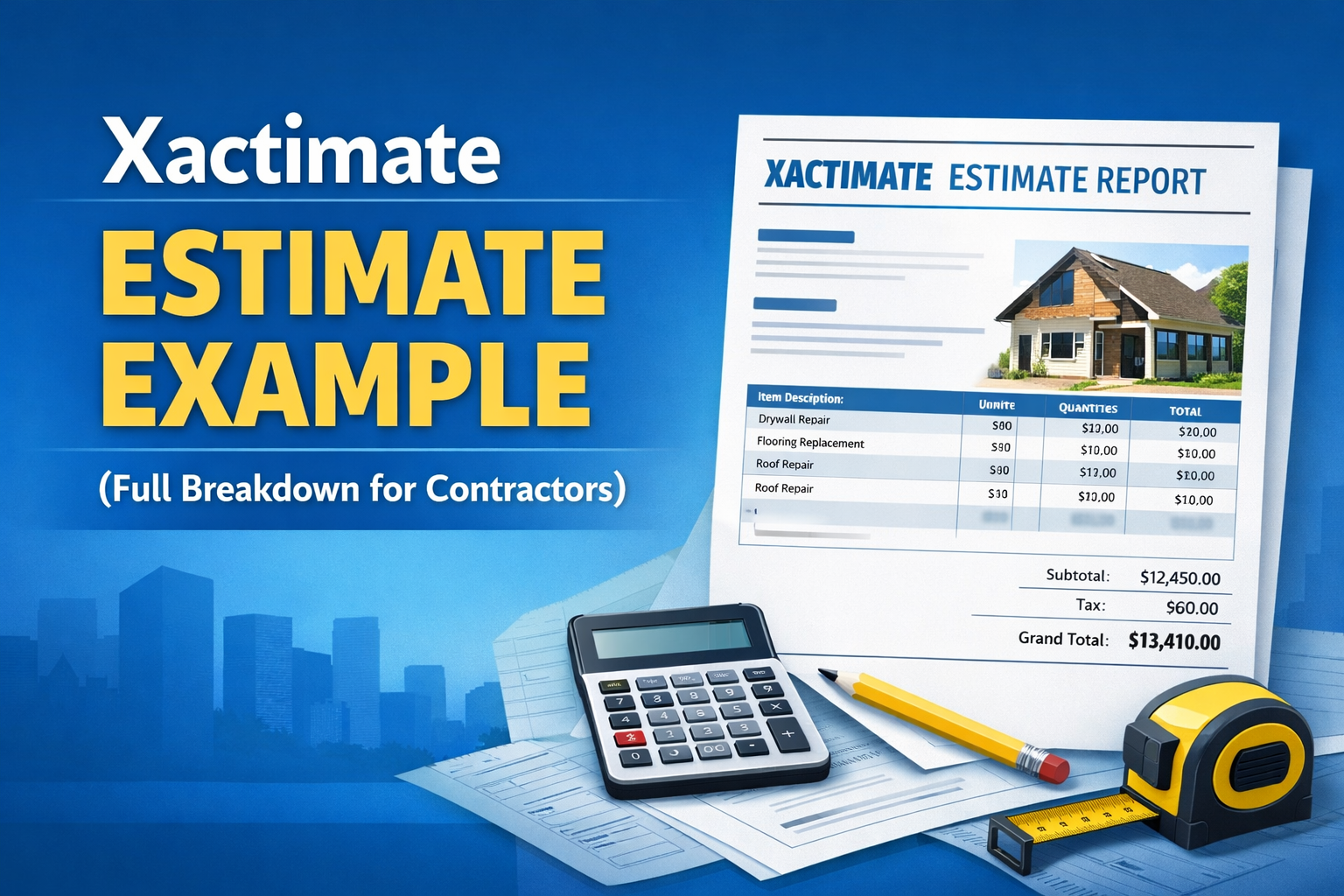
ESX World provides downloadable estimate templates and macro-style files for many common restoration scenarios and cause of losses. For example, fire & smoke, wind, water, ice, hail, etc. Two types of templates are provided. The first are "Estimate Examples" which are full estimates based on a specific cause of loss. For example, if a wind/hail event occurrs, requiring replacement of the roof and repairs to the interior due to water intrustion. There is an estimate example over 1000 line items for a large partial loss due to fire
Macro Template
Macro-style ESX files that allow estimators to quickly insert groups of line items into estimates. These templates give contractors and adjusters a structured starting point for writing estimates in Xactimate.
The second type of ESX Template found at ESX World are "Macro Templates" which are collections of line items to be used to create Macros. For example, in the "Drywall" Macro Template, various types of repairs are included. From this file one can create a macro for simple ceiling/wall drywall repair. Another section of the template includes flood cut for flooding. There are macro templates for drywall, flooring, HVAC, slab leak, bathroom, backup of sewer/Drain, electrical. The list goes on and on.
How to Download ESX Templates from ESX World
Using ESX World is simple.
Step 1: Browse the ESX template library
Review available estimate templates and macro files.
Step 2: Download the ESX file
Select the template you want and download it.
Step 3: Import the file into Xactimate
Open Xactimate and import the ESX file into your project.
Step 4: Customize the line items
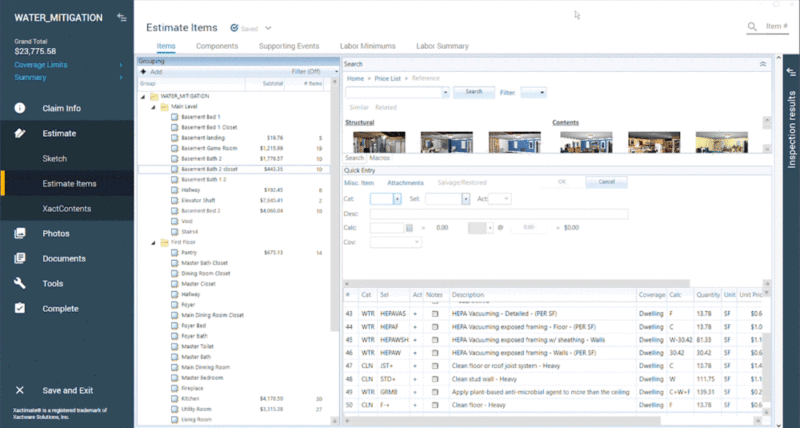
Adjust line items, quantities, etc. then right click on the line items, and select "Create Macro". Now, when you need this block of line items you simply drop them into the room you are working on in Xactimate. What would have taken 15 minutes took 1 minute.
What If You Only Have a PDF Estimate?
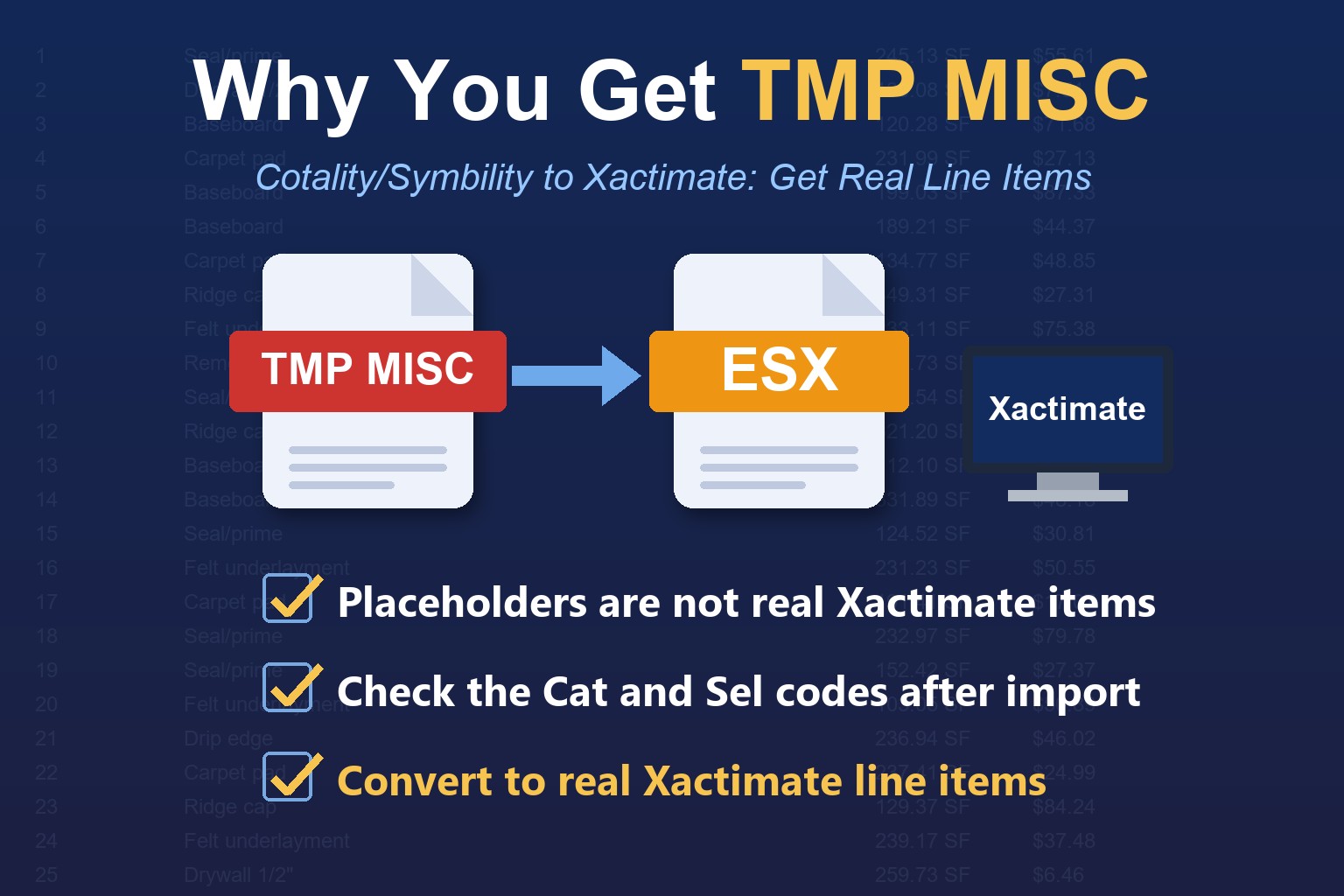
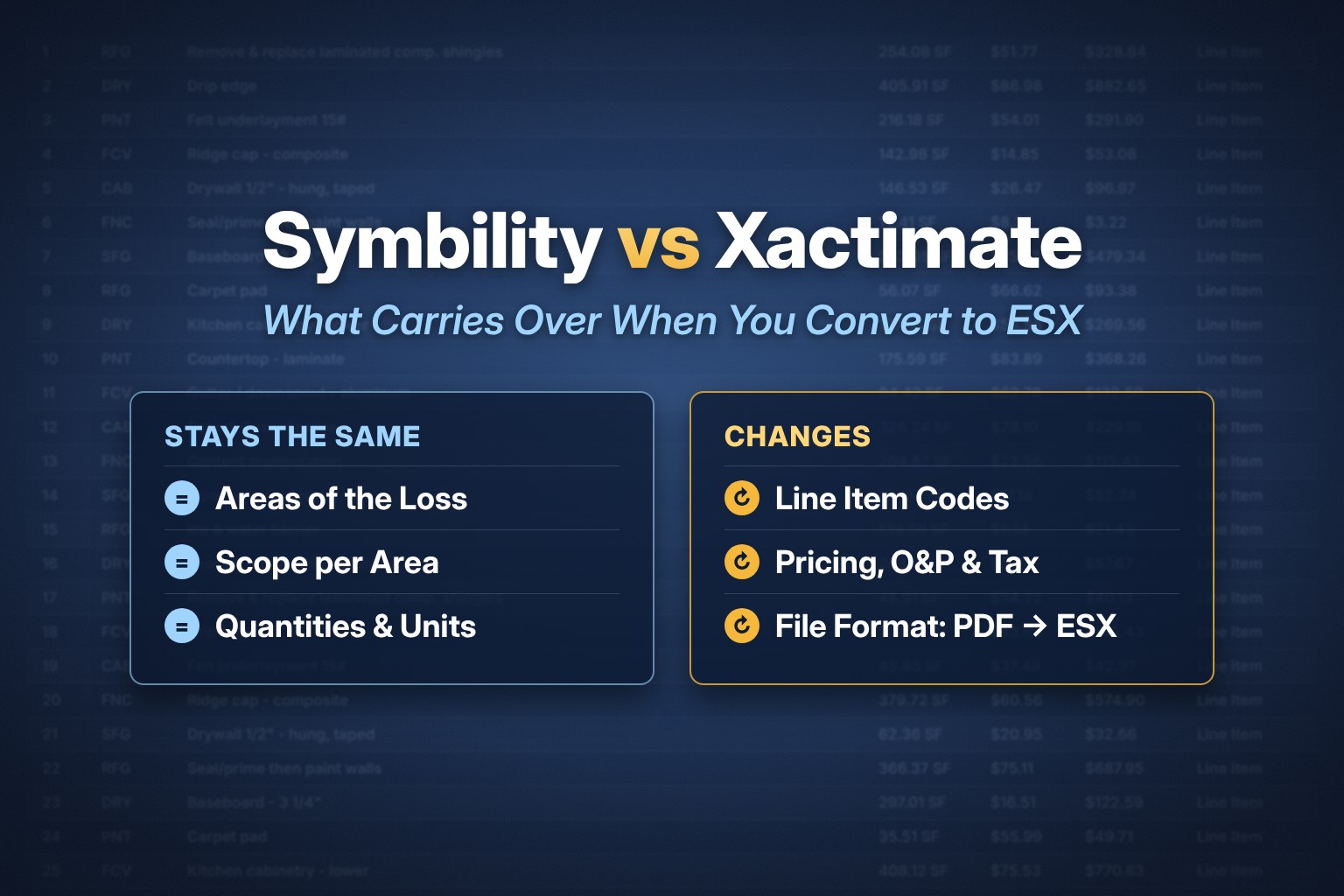
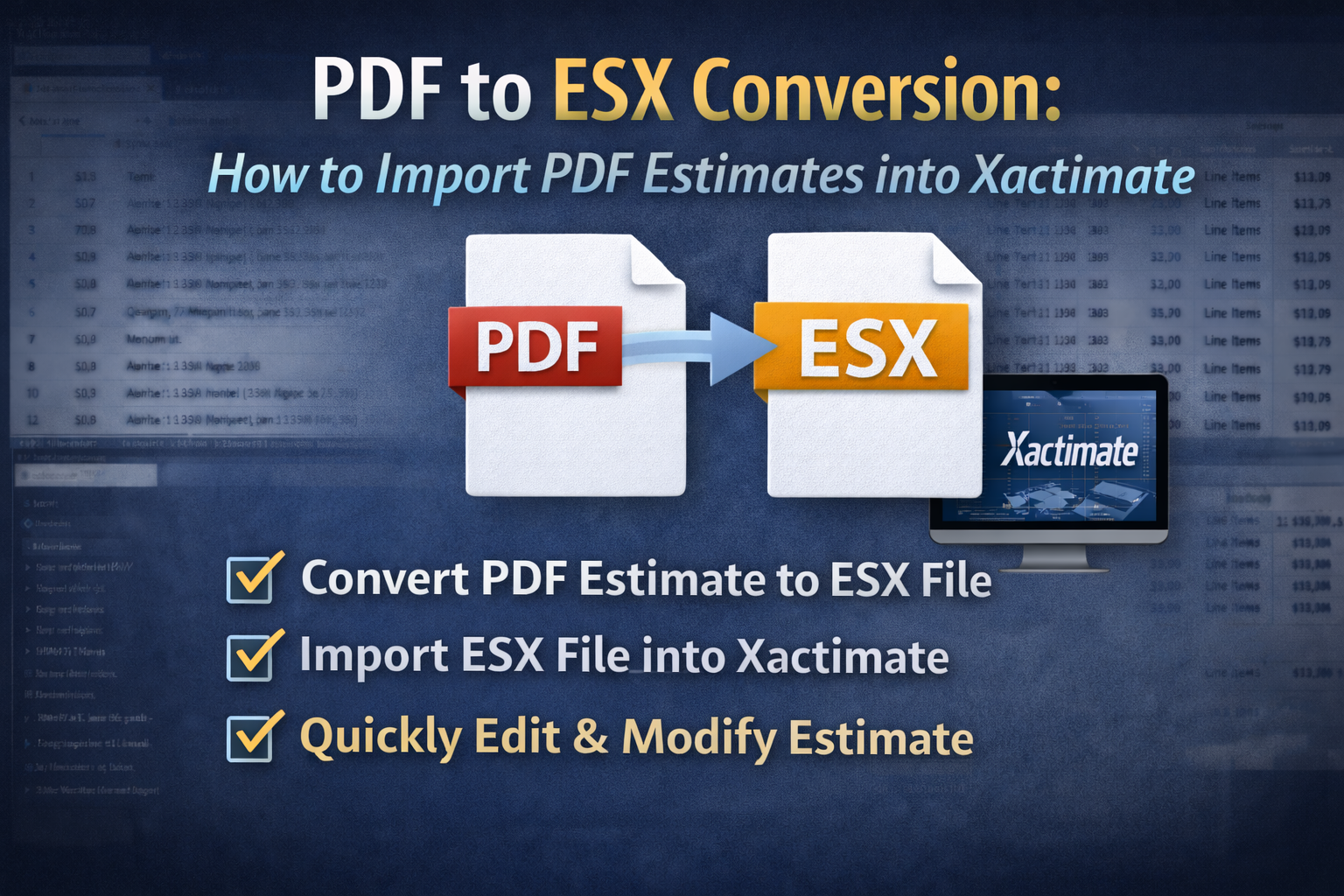
One common challenge in the insurance restoration industry is receiving estimates as PDF reports instead of ESX files. PDF files cannot be imported directly into Xactimate because they are static documents. Instead, the estimate must normally be rebuilt manually. EstimateHub provides a PDF to ESX conversion tool that reconstructs the estimate structure so it can be imported directly into Xactimate. Once converted, the ESX file can be opened, edited, and expanded like any normal Xactimate estimate.
Who Uses ESX Templates?
ESX templates are used by professionals across the insurance restoration industry.
Common users include:
- restoration contractors
- insurance adjusters
- public adjusters
- mitigation companies
- independent estimators
These professionals rely on Xactimate estimates to document repair scope and project costs. Using structured templates allows them to work faster and maintain consistent estimate structure.
Frequently Asked Questions About ESX World
Is ESX World free?
Yes. ESX World is a free repository of ESX files and Xactimate macros that can be downloaded and imported into Xactimate.
Can ESX templates be edited?
Yes. After importing the ESX file into Xactimate, you can modify line items, pricing, and scope.
How long does it take to import an ESX file?
Most ESX imports take only a few seconds once the file is downloaded.
Can Xactimate import PDF estimates?
No. Xactimate cannot import PDFs directly. A PDF must first be converted into an ESX file before it can be imported.
Explore ESX World
If you want ready-to-use Xactimate estimate templates and macros, you can browse the full ESX library here:
https://www.estimatehub.com/esx-world
You can download templates, import them into Xactimate, and begin building estimates immediately.