PDF to ESX Conversion: How to Import PDF Estimates into Xactimate



How to Convert a PDF Estimate into ESX
In the restoration and insurance industries, Xactimate is one of the most widely used estimating platforms. Contractors, adjusters, and estimators rely on it to create detailed repair estimates for property damage claims. However, one common problem occurs when an estimate is only available as a PDF report. While a PDF estimate shows the full scope of work, it cannot be imported directly into Xactimate. This forces contractors to rebuild the estimate (already written by an Adjuster), before they can begin reviewing or revising the scope. Fortunately, there are ways to convert PDF estimates into structured ESX files that can be imported into Xactimate.
Here is a short video showing how the Xactimate PDF to ESX converter tool at EstimateHub works:
Why PDF Estimates Cannot Be Imported into Xactimate
A PDF estimate is essentially a static document. It displays information such as line items, quantities, notes, and scope descriptions, but it does not contain the structured data that Xactimate needs to recreate the estimate. Xactimate relies on a specific file format called ESX to import estimates. Because PDFs do not contain the structured data required for this format, they cannot be imported directly into Xactimate estimate. As a result, contractors often have to manually recreate the estimate inside Xactimate, even though the estimate has already been written by an adjuster.
The Problem with Rebuilding Estimates Manually
Rebuilding an estimate from a PDF report can be extremely time-consuming.
Contractors typically have to:
- Re-enter every line item
- Recreate quantities and measurements
- Rebuild folder structures
- Re-enter notes and descriptions
- Review the estimate for missing items
For large estimates, this process can take hours or even days. Even worse, most of the work being recreated has already been completed by the adjuster. Contractors are essentially rebuilding the same estimate from scratch just to make small revisions.
What Is an ESX File?
An ESX file is the structured estimate file format used by Xactimate.
Unlike a PDF report, an ESX file contains the actual estimate data, including:
- Line items
- Quantities
- Notes
- Folder structure
- Scope organization
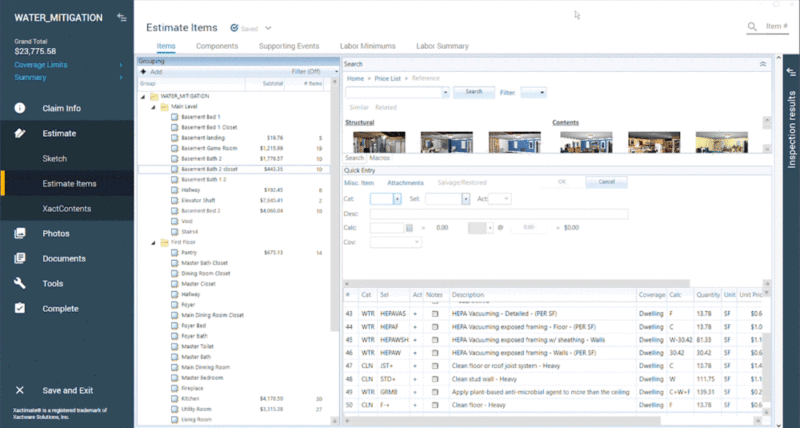
When an ESX file is imported into Xactimate, the full estimate appears inside the software and can be edited immediately. This allows contractors and estimators to modify the estimate without recreating it from scratch.
Converting a PDF Estimate into an ESX File
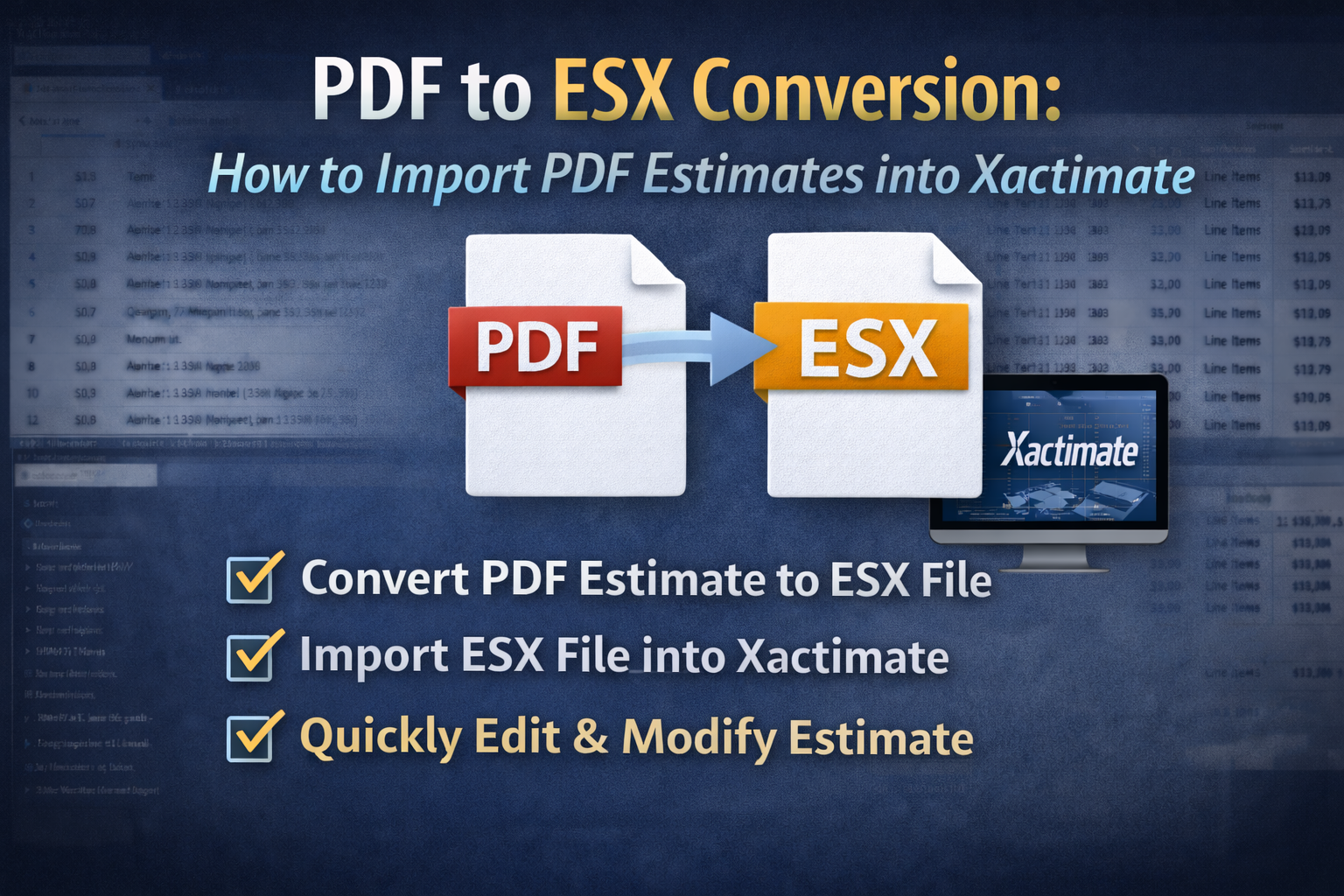
One solution to this problem is to convert the PDF estimate into an ESX file. EstimateHub allow contractors, adjusters, and estimators to upload a PDF estimate and convert it into a structured ESX file. Once the conversion is complete, the ESX file can be imported directly into Xactimate. This allows users to begin reviewing and editing the estimate immediately instead of rebuilding it manually. Instead of recreating hundreds of line items, professionals can simply import the estimate and adjust it as needed. Check out the PDF to ESX Converter.
When PDF to ESX Conversion Is Most Useful
PDF to ESX conversion is especially helpful when:
- Contractors receive adjuster estimates as PDF reports and want to add items.
- Inurance Adjusters are reconciling an estimate with the Contractor. A preferred method would be to obtain the Contractor's Xactimate ESX file, remove any non-owed items and send final payment.
- Public Adjusters conver the Adjuster's estimate to ESX, then send ESX to their selected Estimator who can now make revisions in hours vs days.
- Independent Estimators, Mitigation Specialists and Appraisers who want to significantly speed up their estimating process.
By converting PDF estimates into ESX files, Xactimate users can significantly reduce the time required to prepare a final estimate.
Final Thoughts
PDF estimate reports are common in the restoration and insurance industries, but they create a major workflow challenge when estimates need to be revised in Xactimate. Because PDFs cannot be imported directly into Xactimate, contractors often spend hours rebuilding estimates that already exist. By converting PDF estimates into structured ESX files, professionals can restore a much faster estimating workflow and focus on refining scope rather than recreating it. EstimateHub provides free ESX files and Xactimate Macros at ESX World.