What Is Xactimate? How Contractors Use It for Insurance Estimates



What Is Xactimate?
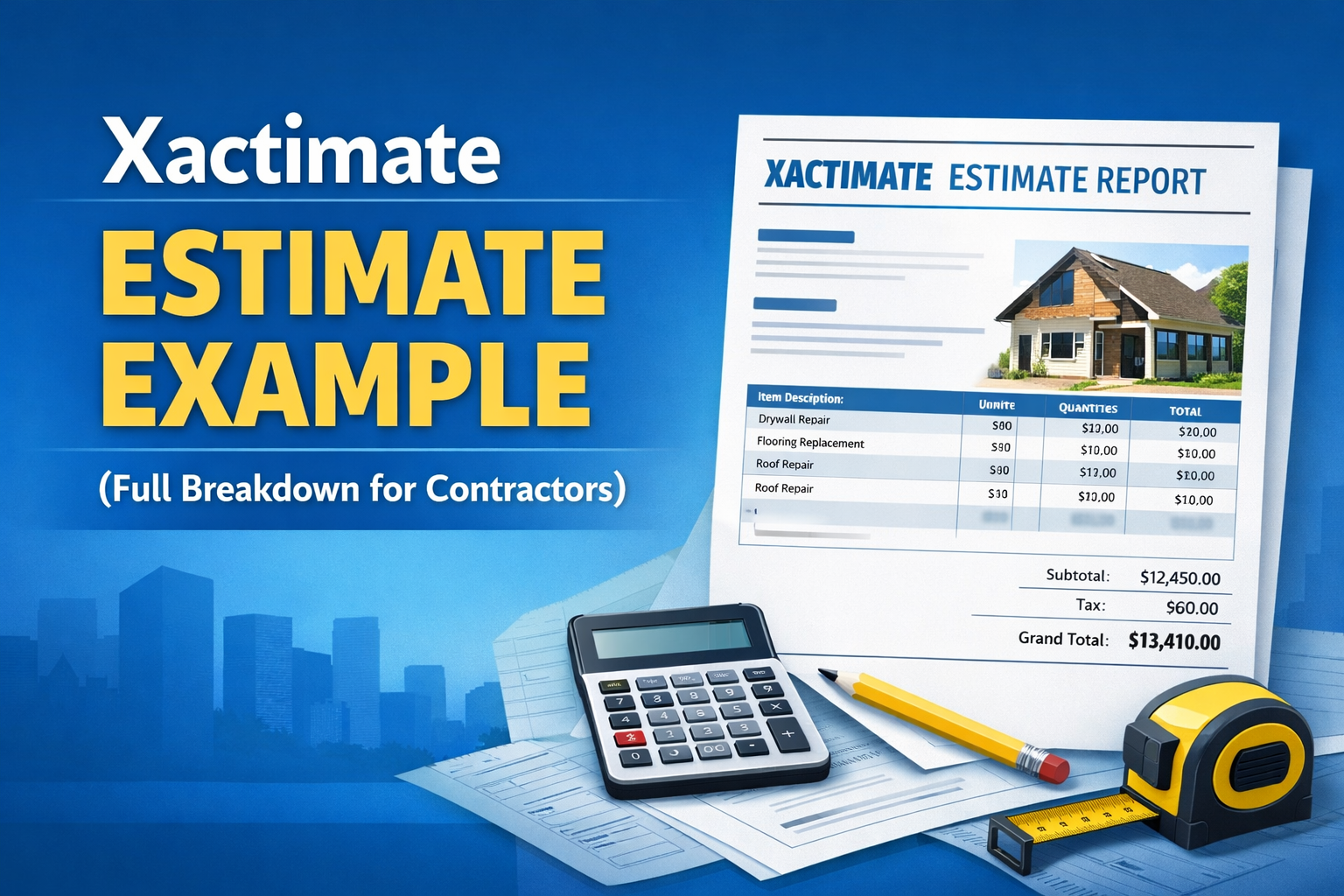
Xactimate is a property damage estimating software platform widely used by insurance companies and restoration contractors. The software allows users to create detailed repair estimates using a large database of construction line items and pricing information. Instead of manually calculating materials, labor, and repair costs, Xactimate organizes the estimate using predefined categories and line items. These line items represent specific repair tasks such as drywall replacement, flooring installation, roofing repairs, painting, and more. Because the software is widely adopted across the insurance industry, estimates created in Xactimate are often used as the baseline scope for repair projects.
Who Uses Xactimate?
Xactimate is used by several professionals involved in property damage claims and restoration projects.
Insurance adjusters use Xactimate to inspect damaged properties and create repair estimates for insurance claims. These estimates outline the scope of work and expected repair costs. Restoration contractors review these estimates and often use Xactimate themselves to prepare bids or revise scopes based on the actual work required. Public Adjusters and Independent Estimators may also use Xactimate to represent policyholders or evaluate repair costs independently. Because so many professionals rely on the platform, Xactimate has become the standard estimating tool in many insurance restoration workflows.
How Xactimate Estimates Are Structured
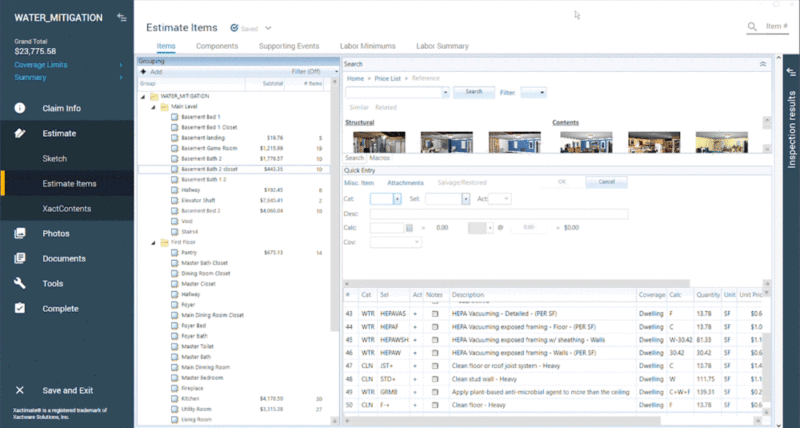
Xactimate estimates are organized into structured sections that make it easier to review and modify the scope of repairs.
A typical Xactimate estimate includes:
- Construction line items representing specific repair tasks
- Quantities and measurements for materials and labor
- Scope categories and folders organizing the estimate
- Notes and descriptions explaining the work required
- Pricing data based on regional construction costs
- Photos taken onsite showing damages and non-damaged items
This structure allows estimators to quickly build detailed repair estimates while maintaining consistency across projects. Because the estimate is structured, it can also be modified easily when the scope changes.
Here is a view from inside Xactimate:

What Is an ESX File in Xactimate?
An ESX file contains the structured estimate data used by the software. When an estimate is created in Xactimate, it can be saved or exported as an ESX file. This includes the line items, quantities, notes, and folder structure that make up the estimate. When an ESX file is imported into Xactimate, the full estimate appears inside the software and can be edited immediately. This allows contractors and estimators to review the scope, adjust quantities, add new line items, or modify the estimate as needed. Because ESX files contain the full estimate structure, they are the preferred format for sharing estimates between professionals working in Xactimate.
Why Xactimate Estimates Are Shared as PDFs
In real-world workflows, however, Xactimate estimates are shared as PDF reports. A PDF estimate shows the same information as the Xactimate estimate, including the line items, quantities, and scope of work. However, a PDF is a static document and does not contain the structured data required to import the estimate back into Xactimate. This creates a common challenge for contractors who receive adjuster estimates as PDF reports. Even though the estimate has already been written, the contractor cannot import the PDF directly into Xactimate.
The Problem Contractors Face with PDF Estimates
When contractors receive a PDF estimate handed over to them from the customer, they often need to rebuild the estimate manually inside Xactimate before they can begin revising the scope. Contractors do ask for the ESX file from the Adjuster however it is a rare ocurrence that the file is shared, therefore this typically requires:
- Re-entering every line item
- Recreating quantities and measurements
- Rebuilding folder structures
- Re-entering notes and descriptions
For large estimates, this process can take hours of work. In many cases, contractors end up recreating 90% or more of an estimate that already exists, simply to make a few revisions to the scope. This repetitive process slows down estimating workflows and delays project timelines.
Converting PDF Estimates into Xactimate ESX Files
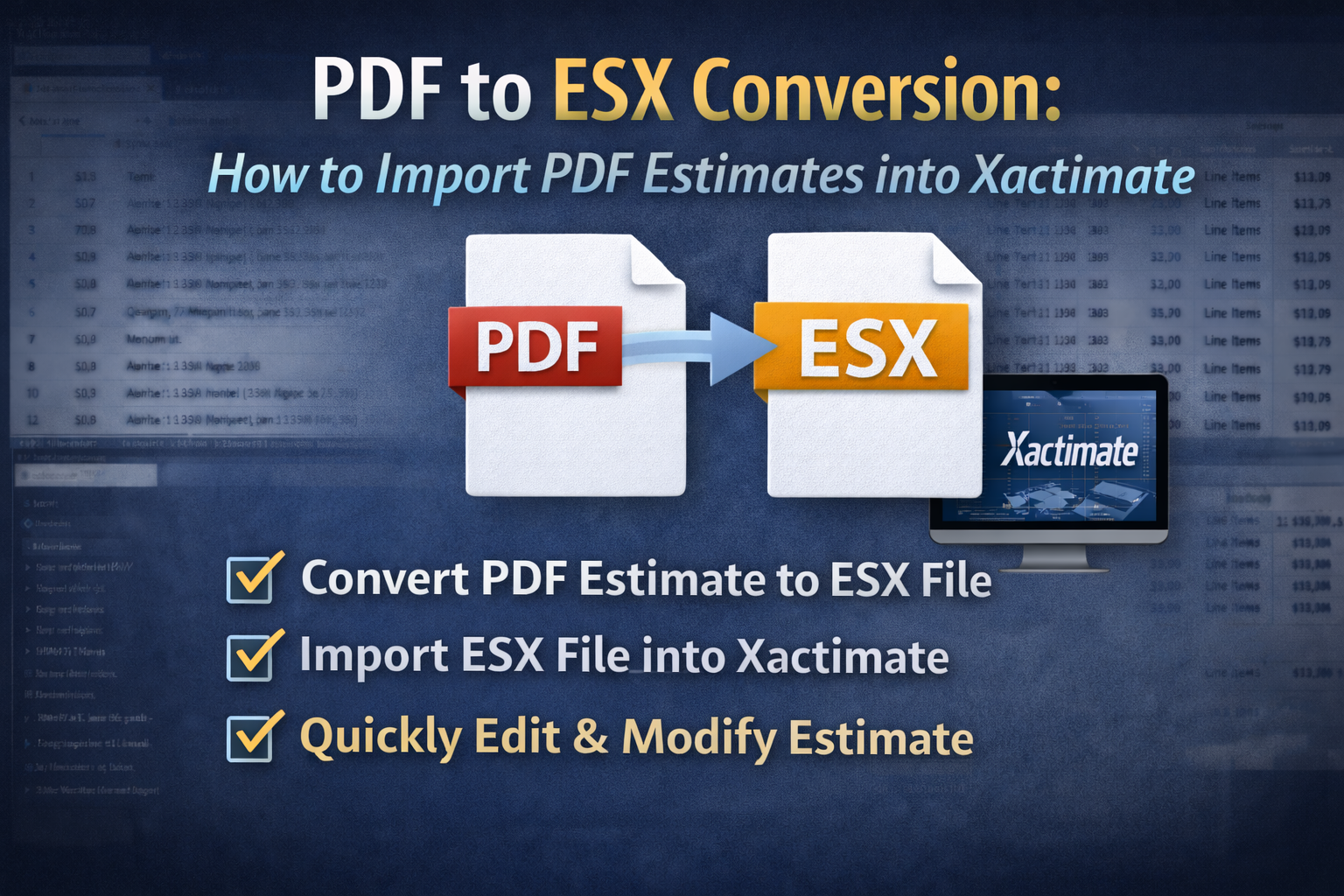
To solve this problem, many contractors use tool a tool that converts PDF estimates into ESX files. For example, EstimateHub allows users to upload an Xactimate PDF estimate and convert it into a structured ESX file. Once the conversion is complete, the ESX file can be imported directly into Xactimate. This allows contractors and estimators to begin reviewing and editing the estimate immediately instead of rebuilding it from scratch. By converting PDF estimates into ESX files, professionals can maintain the original estimate structure, make any necessary reviisons and save significant time. The PDF to ESX Converter is a becoming an industry standard int he Xactimate world as it's become an efficency tool in widely used by Xactimate users across the spectruum.
Final Thoughts
Xactimate plays a central role in the insurance restoration industry by providing a standardized way to create property damage repair estimates. Insurance adjusters, contractors, and estimators rely on the platform to build scopes and calculate repair costs efficiently. However, when estimates are shared only as PDF reports, contractors often face the frustrating task of rebuilding the estimate manually inside Xactimate understanding how Xactimate estimates are structured and how ESX files work can help professionals streamline their estimating workflows and avoid unnecessary duplication of work.