Symbility vs Xactimate: What Changes When You Move an Estimate



Symbility vs Xactimate: the short answer
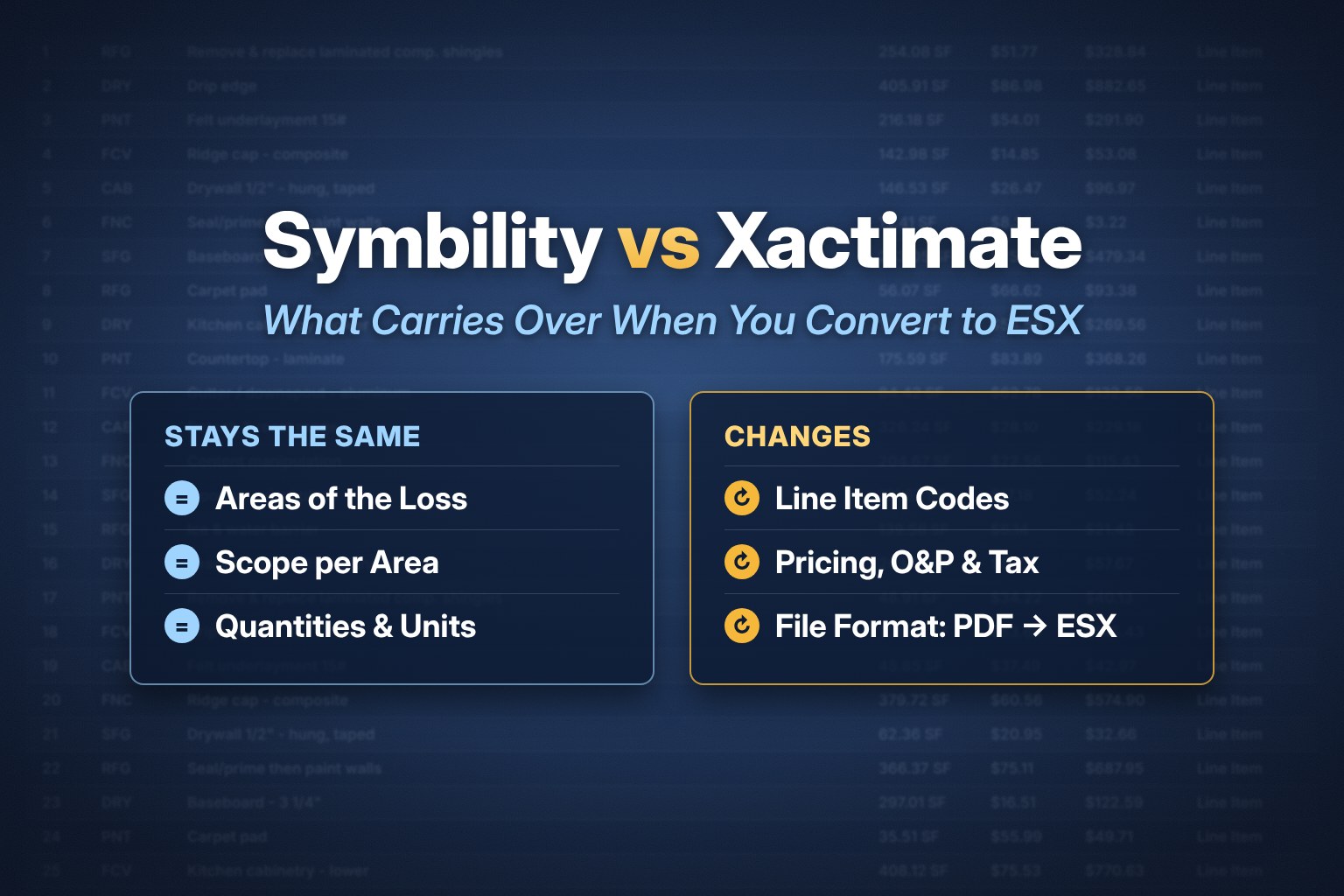
Symbility (now Cotality) and Xactimate are two different estimating systems. Carriers choose which one they use, so contractors and public adjusters often receive an estimate written in Symbility and need to work on it in Xactimate. The room layout, quantities and descriptions carry over. The line item codes and prices do not match one to one.
What stays the same
- The areas of the loss, such as Exterior, Kitchen, Bedroom and Roof.
- The scope described for each area.
- Quantities and units for each line.
What changes
- Line items. Each system has its own line item list, so a Symbility line must be matched to a Xactimate line item code.
- Pricing. Xactimate prices follow your Xactimate price list, so totals can differ from the Symbility estimate.
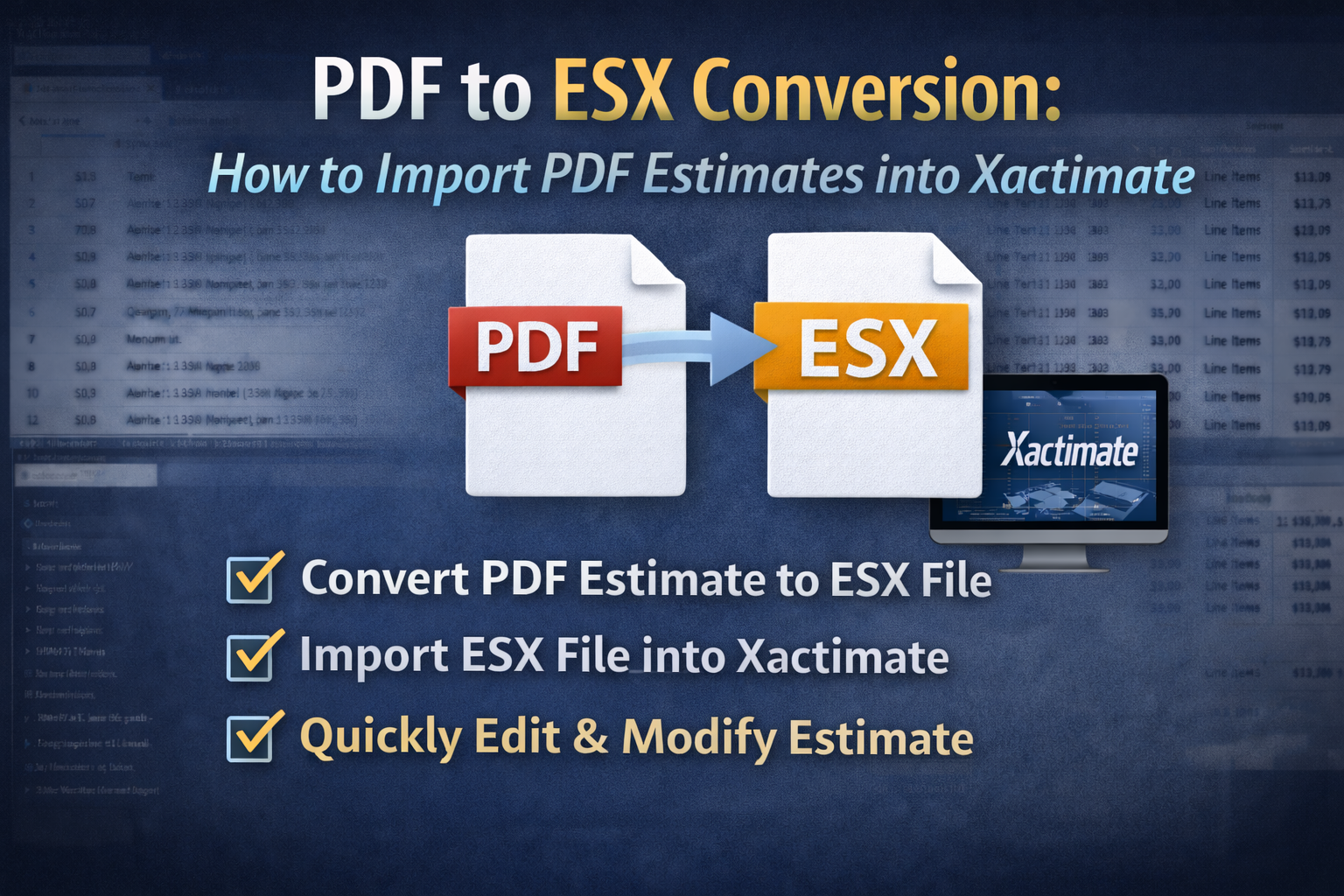
- File format. Xactimate imports ESX files. A Symbility estimate shared as a PDF cannot be imported.
The problem with placeholder line items
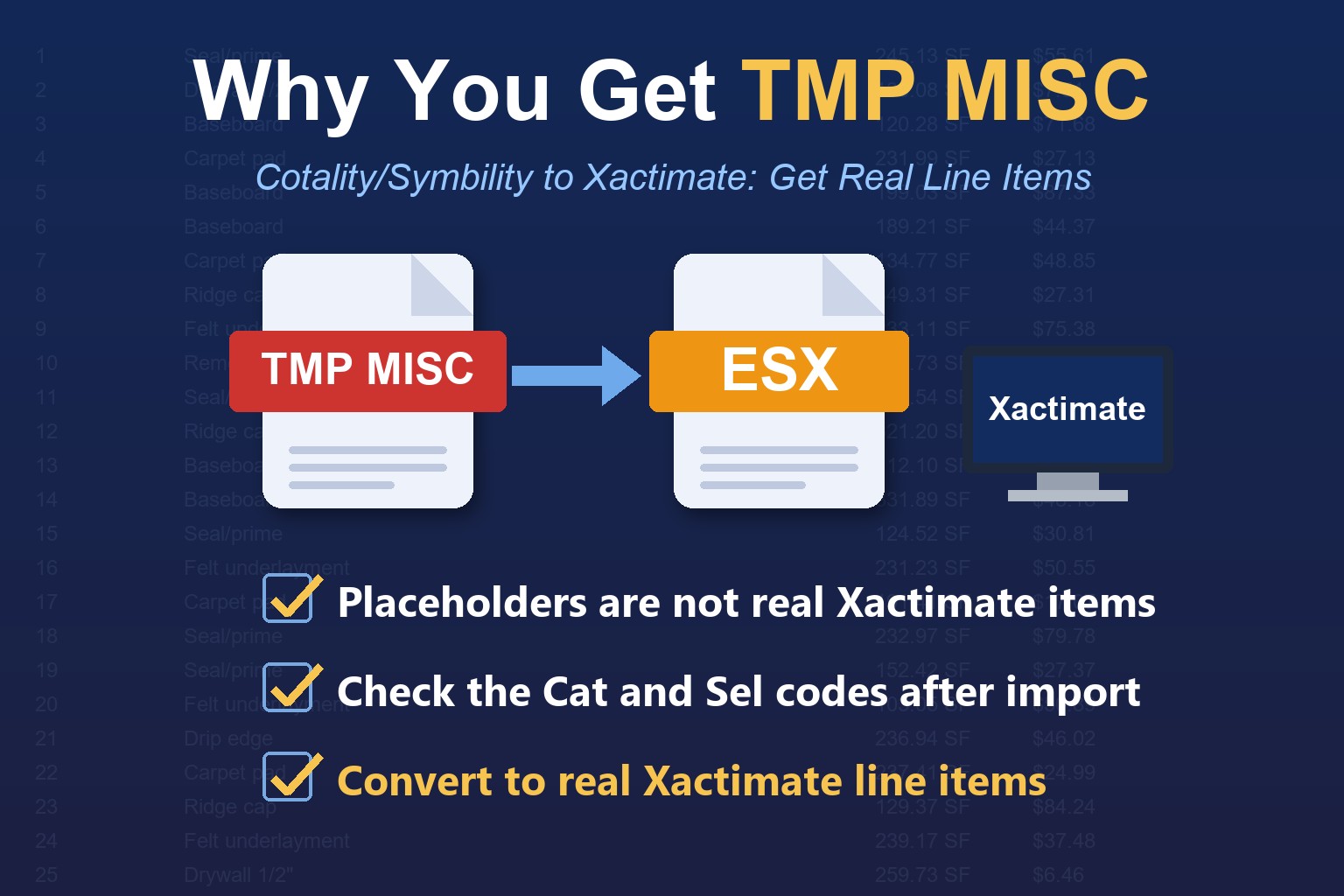
When a converter cannot match a Symbility line to a Xactimate code, it may create a generic placeholder such as TMP MISC or GEN BIDITEM. You then replace and reprice each one by hand, which removes most of the time you were trying to save. A converter that matches each line to a real Xactimate line item gives you an estimate you can work on right away. Read more in why some converters return TMP MISC for Cotality/Symbility estimates.
How to move a Symbility estimate into Xactimate
Step 1. Get the Symbility estimate as a PDF.
Step 2. Convert it with the Cotality/Symbility to Xactimate ESX converter.
Step 3. Import the ESX file. See how to import an ESX file into Xactimate.
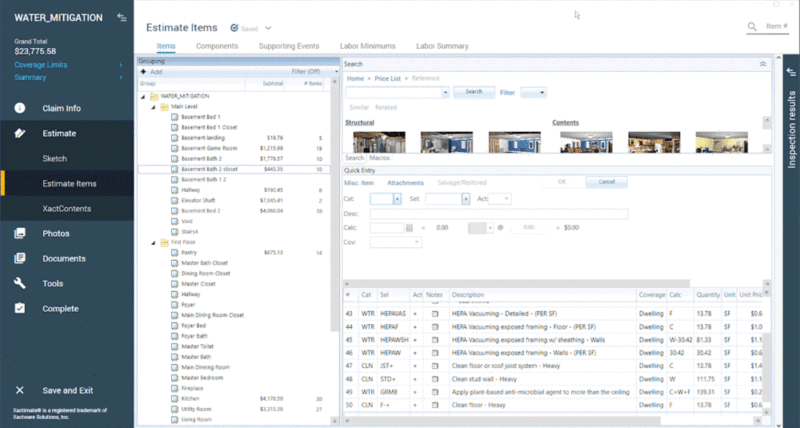
Step 4. Check the Cat and Sel columns for real Xactimate codes, then review pricing, O&P and tax.
For the step-by-step version, read Symbility to Xactimate: how to convert a Symbility estimate to ESX. To compare converters, see the PDF to ESX converter comparison.
Frequently asked questions
Which is better, Symbility or Xactimate?
It depends on the carrier and the workflow. This guide is about moving an estimate between them, not choosing one.
Will the totals match after I convert?
Yes, for all line items that have an exact or relative match between the software programs. Xactimate applies your price list after import, so review pricing, O&P and tax.
Does EstimateHub also convert Xactimate PDFs?
Yes. See the EstimateHub home page for both converters. Your first conversion is free.