Can Xactimate Import a PDF? No. Here Is What Works



No. Xactimate cannot import a PDF. It opens ESX files, which hold editable line items, quantities and notes. To get a PDF estimate into Xactimate, convert it to an ESX file first, or rebuild it by hand.
Why Xactimate cannot import a PDF
A PDF is a picture of an estimate. It has text on a page, but no line item codes, units or pricing structure that Xactimate can read. An ESX file is the estimate itself, with every category, selector, quantity and note stored as data. Xactimate imports that data, not the picture.
4 ways to get a PDF estimate into Xactimate
Option 1: Ask the sender for the ESX file
If an adjuster or carrier wrote the estimate in Xactimate, they can export an ESX file. Ask for it with the PDF. It is the cleanest route, and then you can follow our guide to import an ESX file into Xactimate.
Option 2: Convert the PDF to an ESX file
If you only have the PDF, a converter reads the line items off the PDF and builds an ESX file you can import. EstimateHub's PDF to ESX converter does this for Xactimate-style estimate PDFs. See pricing and the converter comparison to see how it stacks up against other tools.
Option 3: Convert a Cotality/Symbility estimate
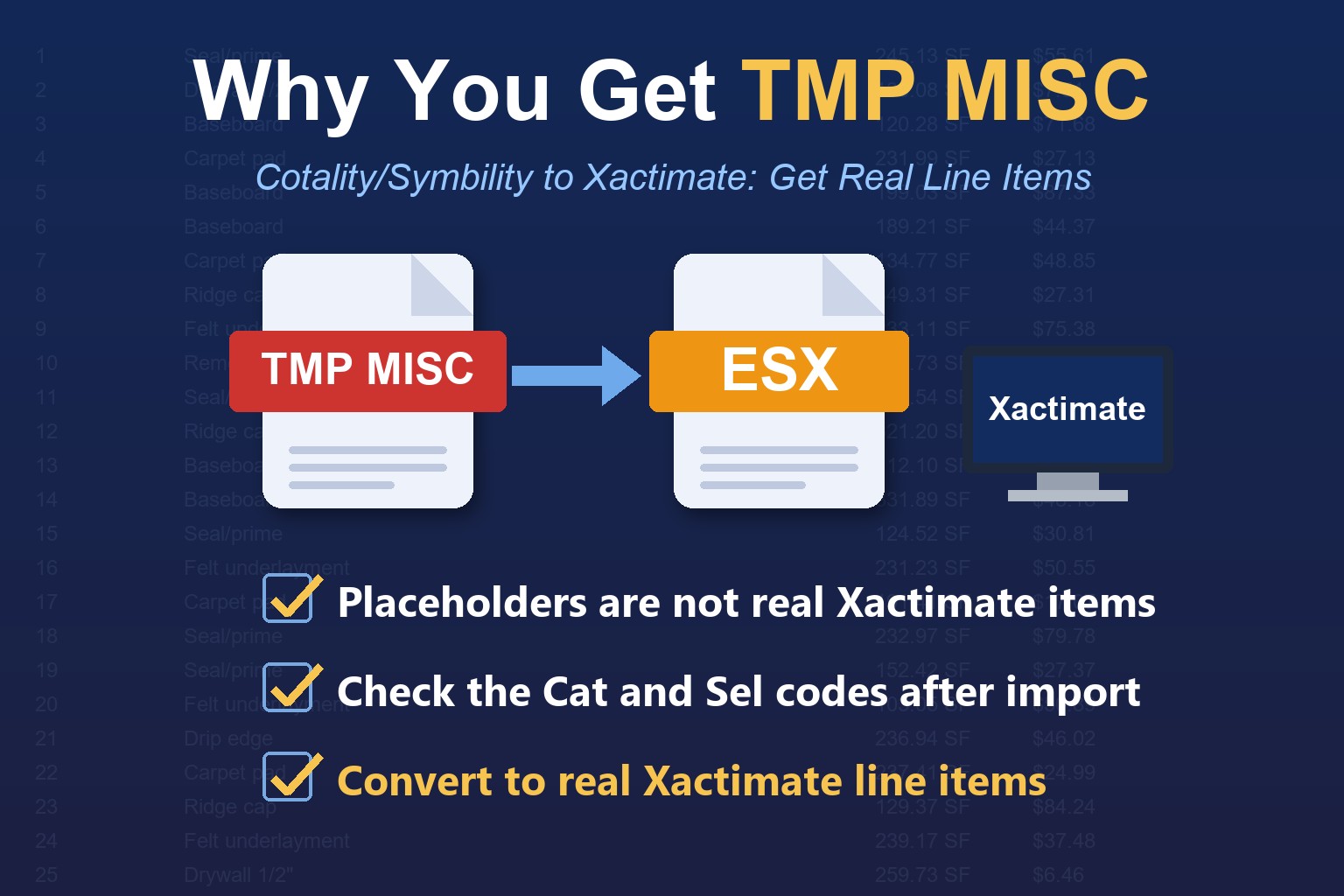
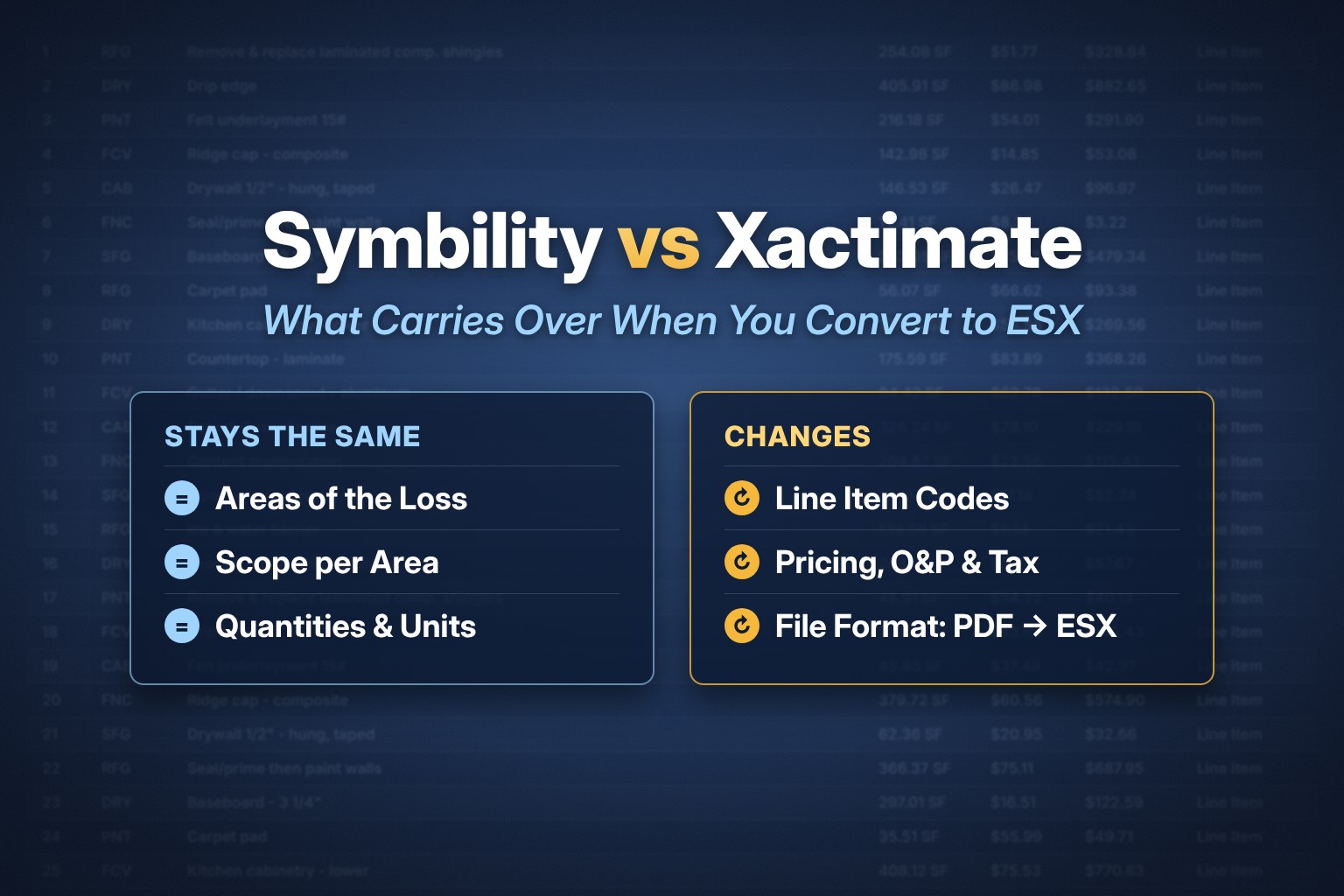
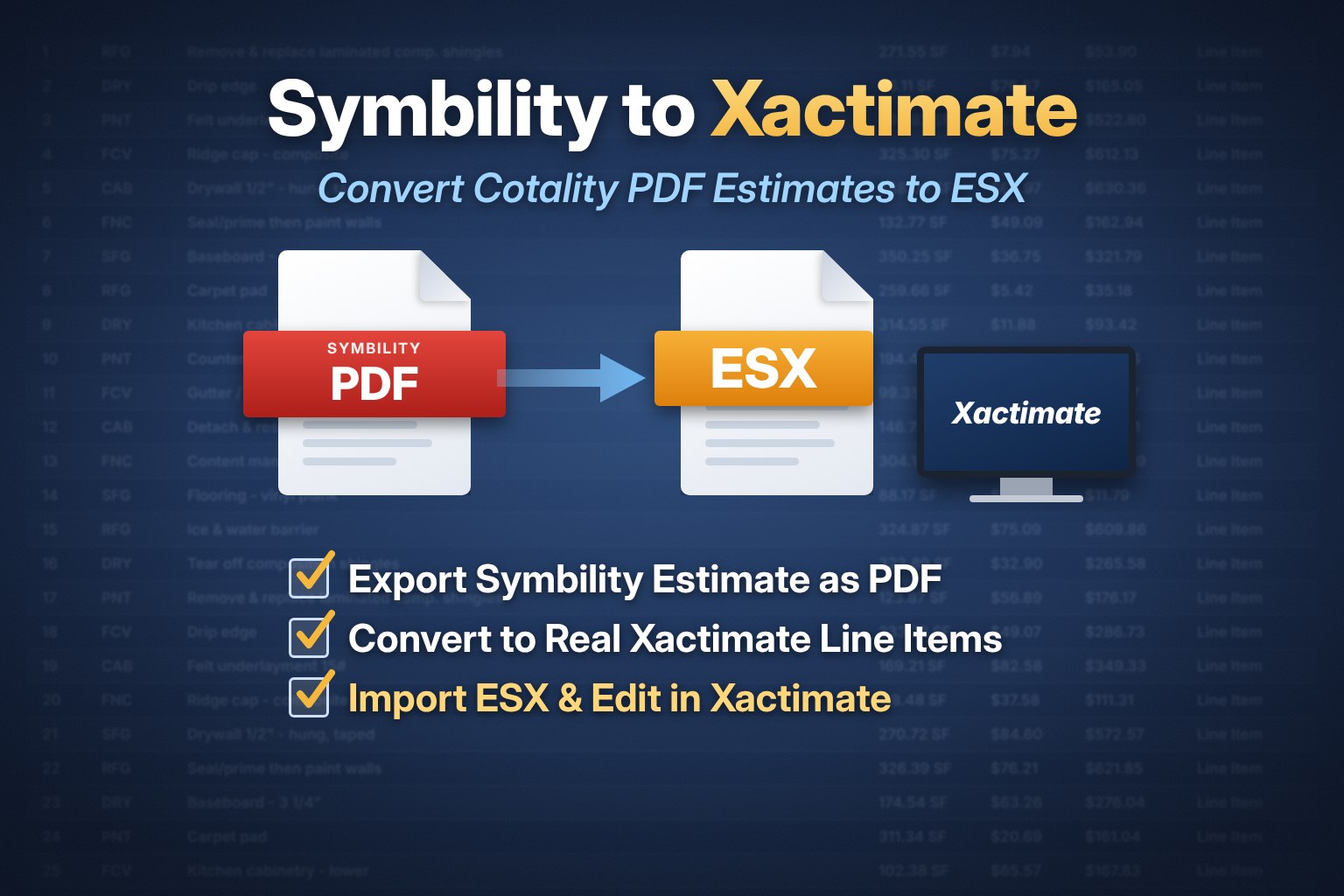
Estimates written in Cotality/Symbility are not Xactimate files, so the PDF has the same problem. Use the Cotality/Symbility to ESX converter. If you want the estimate rebuilt for you, see Cotality/Symbility estimate writing.
Option 4: Rebuild the estimate by hand, or have it written for you
You can retype each line item into Xactimate. It is accurate but slow on long estimates, and typos change the total. If you would rather hand it off, our Xactimate estimate writing services build the estimate for you. For measured diagrams, see Xactimate sketch services.
After you convert: check before you send
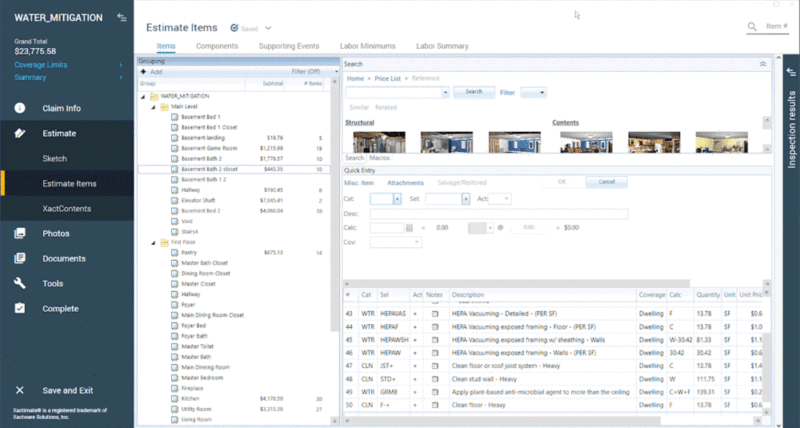
Import the ESX file, open it from the Local list, and review the line items against the PDF. Confirm the carrier profile and price list match your assignment, because pricing updates to your current price list on import.
Which option should you pick?
Step 1. Do you have the ESX file or can you get it? Use Option 1.
Step 2. Only a PDF, from a Xactimate-style estimate? Use Option 2.
Step 3. Only a PDF, from Cotality/Symbility? Use Option 3.
Step 4. No time to do it yourself? Use Option 4.
New to Xactimate? Watch the free beginner video and guides in our free Xactimate training, or grab practice estimates and macros at ESX World.
Frequently Asked Questions
Can Xactimate import a PDF?
No. Xactimate imports ESX files, not PDFs. Convert the PDF to an ESX file first, then import it.
How do I convert a PDF to ESX?
Upload a PDF estimate to EstimateHub's PDF to ESX converter, download the ESX file, then use Tools, Import in Xactimate and select the file.
Can I copy and paste from a PDF into Xactimate?
You can copy text, but Xactimate will not turn it into line items. You still have to match each line to the correct category and selector by hand, which is why a converter saves significant time.
Can Xactimate import a Cotality or Symbility estimate?
Not directly. Cotality/Symbility estimates need to be converted to an ESX file, or rebuilt in Xactimate, before Xactimate can open them.
Why does my converted file open with different prices?
Xactimate reprices imported line items using your current price list. Check that your price list matches the estimate date and region.